A new website should bring you more visitors, more enquiries and more sales. Sadly, many businesses launch a beautiful redesign and then watch their Google traffic drop overnight. Pages disappear from search, old links break and rankings that took years to build are gone.
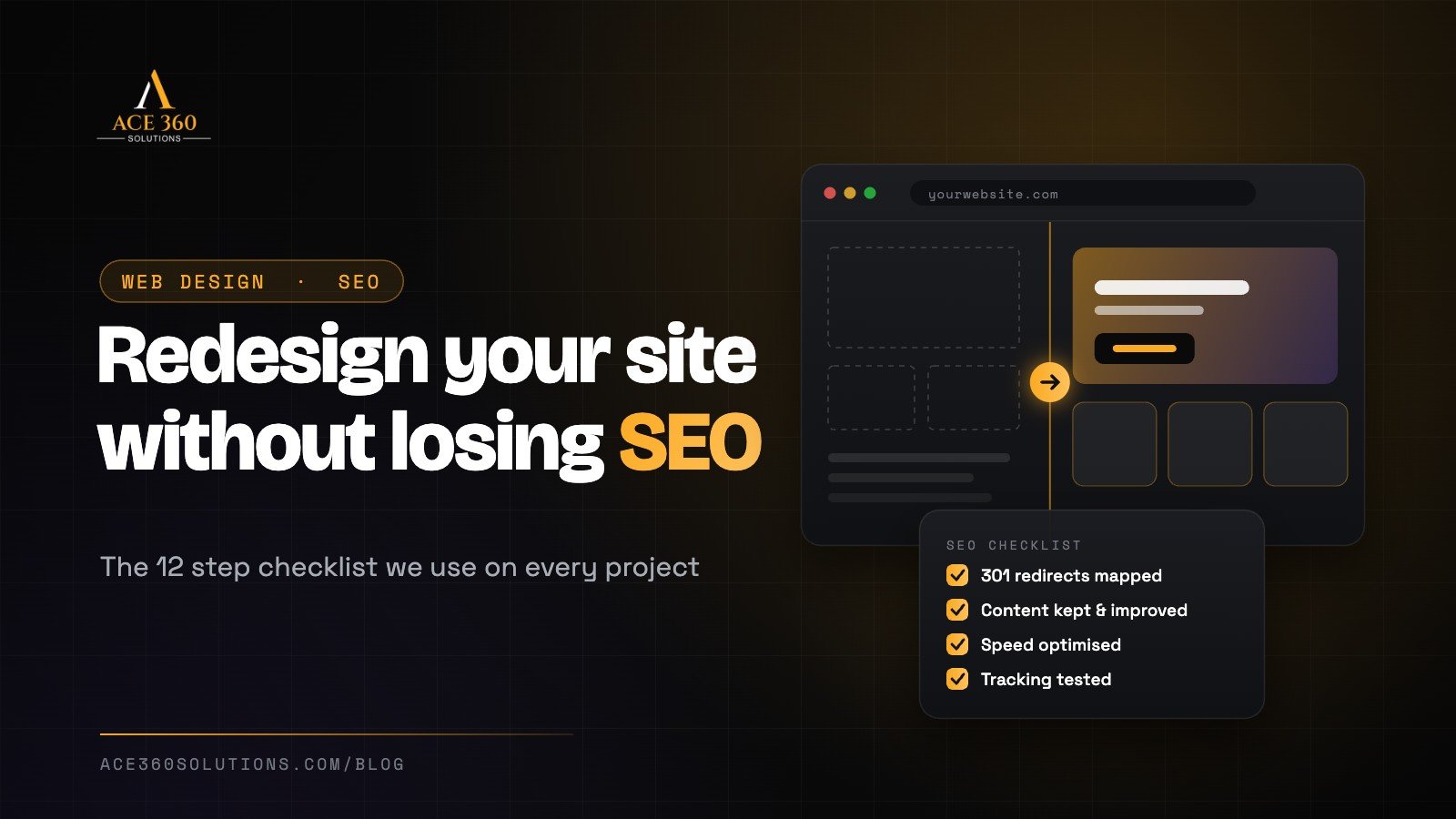
The good news is that this is almost always avoidable. A redesign doesn’t hurt SEO. A badly planned redesign does. This checklist walks you through the steps we follow on every project, so your new site looks better and keeps the search visibility you’ve worked hard for.
Signs your website needs a redesign
Before you start, it helps to be clear about why you’re redesigning. Common reasons include:
- Your site looks outdated compared with your competitors.
- It’s slow, especially on mobile.
- Visitors arrive but don’t contact you or buy.
- It’s hard for your team to update.
- Your business, services or brand have changed.
Write down two or three goals, such as “double contact form enquiries” or “cut load time in half”. They’ll guide every decision that follows.
Step 1: Record how your current site performs
You can’t protect what you haven’t measured. Before you change anything, save a snapshot of your current results:
- Organic traffic and top landing pages from Google Analytics
- Keywords, clicks and impressions from Google Search Console
- Conversion numbers: enquiries, calls, sales or bookings
- Page speed scores for your key pages
This gives you a baseline to compare against after launch.
Step 2: Crawl and list every URL
Use a crawling tool to export a complete list of the pages on your current website, along with their titles, meta descriptions and headings. Add any important pages from Search Console that the crawl missed. This list becomes the foundation of your redirect plan.
Step 3: Find your most valuable pages
Not every page matters equally. Mark the pages that bring the most organic traffic, rank for important keywords, get links from other websites or generate leads and sales. These pages need extra care. Keep their content, or improve it, rather than cutting it.
Step 4: Plan your new site structure
Map out the new menu and page structure. Decide which pages stay, which get merged, which get removed and which are new. Keep URLs the same wherever you can. Every URL that changes needs a redirect, and every unnecessary change adds risk.
Step 5: Keep your best content
It’s tempting to cut text so the new design looks cleaner. Be careful. The words on your pages are a big part of why they rank. Keep the content that performs well, and use the redesign as a chance to improve it with clearer headings, better answers and up to date information.
Step 6: Build on a staging site
Design and build the new website on a private staging copy, not on your live site. Make sure the staging site is hidden from search engines while you work on it, so Google doesn’t index an unfinished duplicate of your website.
Step 7: Create a 301 redirect map
This is the most important step of the whole checklist. For every old URL that changes or is removed, set up a permanent 301 redirect to the most relevant new page. This tells Google where the page has moved and passes on most of its ranking value. Avoid redirecting everything to the homepage. Send each old page to its closest match.
Step 8: Carry over your on page SEO
Make sure every important page on the new site has:
- A unique, keyword focused title tag and meta description
- One clear H1 heading and a logical heading structure
- Descriptive image alt text
- Internal links to related pages
- Structured data (schema) where relevant, such as for your business, products or FAQs
Step 9: Make it fast and mobile friendly
A redesign is the perfect time to fix speed problems. Optimise images, keep plugins and scripts to a minimum, use good hosting and test everything on real phones. Google uses the mobile version of your site for ranking, so your mobile experience isn’t optional.
Step 10: Test everything before launch
Go through the new site carefully before it goes live:
- Check every form, button and phone link.
- Test checkout or booking flows from start to finish.
- Look for broken links and missing images.
- Test on different browsers, phones and screen sizes.
- Confirm that analytics and conversion tracking work.
Step 11: Launch carefully
On launch day, make sure the new site is visible to search engines again. This is a surprisingly common mistake: people forget to remove the “noindex” setting from staging. Then:
- Activate your redirects and spot check a sample of old URLs.
- Submit your new XML sitemap in Google Search Console.
- Check that your robots.txt file isn’t blocking important pages.
- Launch at a quiet time for your business, not right before a big campaign.
Step 12: Monitor after launch
Keep a close eye on the site for the next few weeks. Watch Search Console for crawl errors and 404 pages, compare traffic and rankings to your baseline and fix any problems quickly. Small dips can happen while Google processes the changes, but a well planned redesign should recover quickly and then grow.
Common redesign mistakes to avoid
- Changing URLs without setting up redirects
- Deleting pages that bring in traffic or leads
- Replacing useful text with images and short slogans
- Leaving the site hidden from search engines after launch
- Launching without testing forms and tracking
- Choosing a design that looks good but loads slowly
A redesign is also a great moment to prepare your site for AI search. Our guide to generative engine optimization explains how to help ChatGPT and Google AI understand and recommend your business.
Considering a remote team for your redesign? Read our guide to outsourcing web design the right way.
Planning a website redesign?
At Ace 360 Solutions, every redesign we deliver includes SEO protection as standard: URL mapping, redirects, on page SEO, speed optimisation and post launch monitoring. Whether you need a custom WordPress website or a Shopify store redesign, we’ll make sure your new site performs better than the old one. You can also learn more about our SEO services, or get a free quote for your project.
Frequently asked questions
Will a website redesign affect my Google rankings?
It can, if URLs change without redirects or important content is removed. With proper planning, redirects and on page SEO, a redesign often improves rankings because the new site is faster and easier to use.
How long does it take for rankings to settle after a redesign?
Small changes in rankings are normal for a few weeks while Google recrawls the site. If redirects and content are handled well, most sites settle quickly. Monitor Search Console closely during this time.
Should I keep the same URLs when redesigning?
Wherever possible, yes. Keeping URLs the same is the safest option. If a URL has to change, set up a 301 redirect from the old address to the new one.
How often should a business redesign its website?
There’s no fixed rule, but many businesses refresh their site every few years. Redesign when your site no longer reflects your brand, performs poorly or makes it hard to reach your goals.

admin
Part of the Ace 360 Solutions team — helping brands grow with high-performance websites, SEO and paid media.